
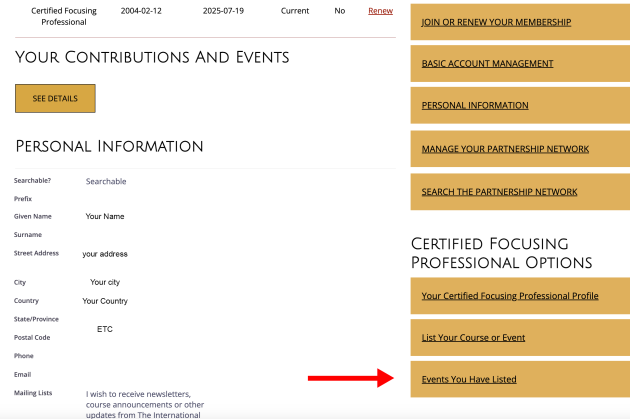
...Certified Members can check out the NEW easier way to see the past events they have listed. Here's how to do it:
- Login to the TIFI Website
- Scroll down
- Look for the RIGHT SIDE BAR for the location of the new button
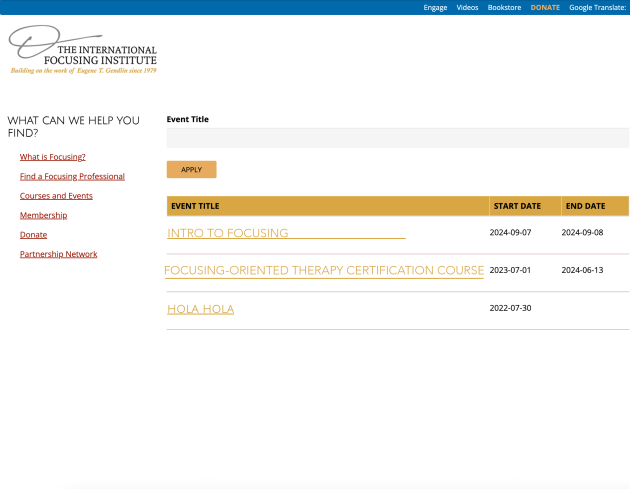
Once you click "Events You Have Listed" you should see a page like this - below - showing the events you have posted.